

5 Cost-Effective Upgrades to Breathe New Life into an Older Desktop PC
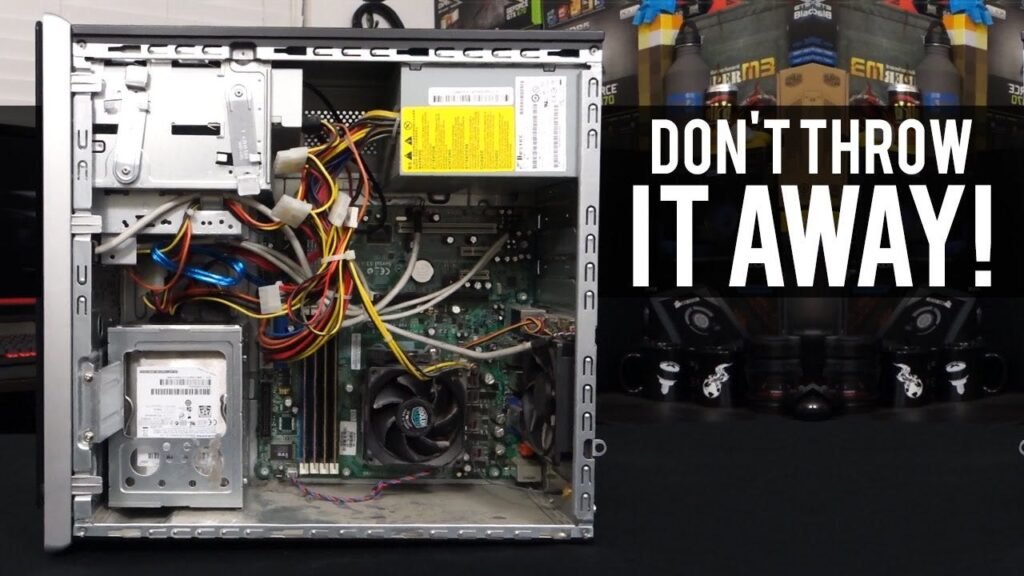
Every desktop user eventually faces the same problem: your once-lightning-fast computer starts lagging during basic tasks. Before you spend a massive amount of money buying a brand-new system, you should look into targeted component upgrades. Upgrading specific hardware parts can stretch your system’s lifespan by several years without breaking the bank.
1. Expand Your System Memory (RAM)
If you frequently work with multiple open browser tabs or notice stuttering when switching apps, your PC is likely running out of memory. Upgrading your RAM is one of the easiest and most budget-friendly fixes available. For older budget builds or office setups, ensuring you have at least 8GB of RAM can drastically improve day-to-day multitasking.
2. Swap Your HDD for an SSD
If your operating system is still running on an old-school mechanical Hard Disk Drive (HDD), switching to a Solid State Drive (SSD) will feel like night and day. SSDs boot your system up in seconds and make file transfers nearly instant.
3. Manage Your Internal Thermals
Sometimes performance drops aren’t due to outdated hardware, but rather overheating. Dust buildup inside a desktop case creates an insulating blanket that blocks airflow. Cleaning your components and investing in reliable cooling accessories—or simply raising your laptop/tower with an ergonomic alloy stand—can keep temperatures low and prevent thermal throttling.